Repository Public
1> [!NOTE]2> **Note:** This feature is currently only available with the generateContent API. Please follow the content on this page for more information.34> To learn about video understanding, see the [Video understanding](https://ai.google.dev/gemini-api/docs/video-understanding) guide.56[Veo 3.1](https://deepmind.google/models/veo/) is a model for generating 8-second videos (720p, 1080p, or 4k) with natively generated audio. You can access7this model programmatically using the Gemini API. To learn more about the8available Veo model variants, see the [Model Versions](https://ai.google.dev/gemini-api/docs/veo#model-versions) section.910Veo 3.1 excels at a wide range of visual and cinematic styles and introduces11several new capabilities:1213- **Portrait videos** : Choose between landscape (`16:9`) and portrait (`9:16`) videos.14- **Video extension**: Extend videos that were previously generated using Veo.15- **Frame-specific generation**: Generate a video by specifying the first and last frames.16- **Image-based direction**: Use up to three reference images to guide the content of your generated video.1718For more information about writing effective text prompts for video generation,19see the [Veo prompt guide](https://ai.google.dev/gemini-api/docs/veo#prompt-guide)2021## Text to video generation2223The following examples show how you can generate a video with [dialogue](https://ai.google.dev/gemini-api/docs/veo#dialogue), [cinematic realism](https://ai.google.dev/gemini-api/docs/veo#realism), or [creative animation](https://ai.google.dev/gemini-api/docs/veo#style):2425### Dialogue \& sound effects2627### Python2829 import time30 from google import genai31 from google.genai import types3233 client = genai.Client()3435 prompt = """A close up of two people staring at a cryptic drawing on a wall, torchlight flickering.36 A man murmurs, 'This must be it. That's the secret code.' The woman looks at him and whispering excitedly, 'What did you find?'"""3738 operation = client.models.generate_videos(39 model="veo-3.1-generate-preview",40 prompt=prompt,41 )4243 # Poll the operation status until the video is ready.44 while not operation.done:45 print("Waiting for video generation to complete...")46 time.sleep(10)47 operation = client.operations.get(operation)4849 # Download the generated video.50 generated_video = operation.response.generated_videos[0]51 client.files.download(file=generated_video.video, destination="dialogue_example.mp4")52 print("Generated video saved to dialogue_example.mp4")5354### JavaScript5556 import { GoogleGenAI } from "@google/genai";5758 const ai = new GoogleGenAI({});5960 const prompt = `A close up of two people staring at a cryptic drawing on a wall, torchlight flickering.61 A man murmurs, 'This must be it. That's the secret code.' The woman looks at him and whispering excitedly, 'What did you find?'`;6263 let operation = await ai.models.generateVideos({64 model: "veo-3.1-generate-preview",65 prompt: prompt,66 });6768 // Poll the operation status until the video is ready.69 while (!operation.done) {70 console.log("Waiting for video generation to complete...")71 await new Promise((resolve) => setTimeout(resolve, 10000));72 operation = await ai.operations.getVideosOperation({73 operation: operation,74 });75 }7677 // Download the generated video.78 ai.files.download({79 file: operation.response.generatedVideos[0].video,80 downloadPath: "dialogue_example.mp4",81 });82 console.log(`Generated video saved to dialogue_example.mp4`);8384### Go8586 package main8788 import (89 "context"90 "log"91 "os"92 "time"9394 "google.golang.org/genai"95 )9697 func main() {98 ctx := context.Background()99 client, err := genai.NewClient(ctx, nil)100 if err != nil {101 log.Fatal(err)102 }103104 prompt := `A close up of two people staring at a cryptic drawing on a wall, torchlight flickering.105 A man murmurs, 'This must be it. That's the secret code.' The woman looks at him and whispering excitedly, 'What did you find?'`106107 operation, _ := client.Models.GenerateVideos(108 ctx,109 "veo-3.1-generate-preview",110 prompt,111 nil,112 nil,113 )114115 // Poll the operation status until the video is ready.116 for !operation.Done {117 log.Println("Waiting for video generation to complete...")118 time.Sleep(10 * time.Second)119 operation, _ = client.Operations.GetVideosOperation(ctx, operation, nil)120 }121122 // Download the generated video.123 video := operation.Response.GeneratedVideos[0]124 client.Files.Download(ctx, video.Video, nil)125 fname := "dialogue_example.mp4"126 _ = os.WriteFile(fname, video.Video.VideoBytes, 0644)127 log.Printf("Generated video saved to %s\n", fname)128 }129130### Java131132 import com.google.genai.Client;133 import com.google.genai.types.GenerateVideosOperation;134 import com.google.genai.types.GeneratedVideo;135136 Client client = new Client();137138 String prompt =139 "A close up of two people staring at a cryptic drawing on a wall, torchlight flickering.\n"140 + "A man murmurs, 'This must be it. That's the secret code.' The woman looks at him and whispering excitedly, 'What did you find?'";141142 GenerateVideosOperation operation =143 client.models.generateVideos("veo-3.1-generate-preview", prompt, null, null);144145 // Poll the operation status until the video is ready.146 while (!operation.done().orElse(false)) {147 System.out.println("Waiting for video generation to complete...");148 Thread.sleep(10000);149 operation = client.operations.getVideosOperation(operation, null);150 }151152 // Download the generated video.153 GeneratedVideo generatedVideo = operation.response().get().generatedVideos().get().get(0);154 client.files.download(generatedVideo, "dialogue_example.mp4", null);155 System.out.println("Generated video saved to dialogue_example.mp4");156157### REST158159 # Note: This script uses jq to parse the JSON response.160 # GEMINI API Base URL161 BASE_URL="https://generativelanguage.googleapis.com/v1beta"162163 # Send request to generate video and capture the operation name into a variable.164 operation_name=$(curl -s "${BASE_URL}/models/veo-3.1-generate-preview:predictLongRunning" \165 -H "x-goog-api-key: $GEMINI_API_KEY" \166 -H "Content-Type: application/json" \167 -X "POST" \168 -d '{169 "instances": [{170 "prompt": "A close up of two people staring at a cryptic drawing on a wall, torchlight flickering. A man murmurs, \"This must be it. That'\''s the secret code.\" The woman looks at him and whispering excitedly, \"What did you find?\""171 }172 ]173 }' | jq -r .name)174175 # Poll the operation status until the video is ready176 while true; do177 # Get the full JSON status and store it in a variable.178 status_response=$(curl -s -H "x-goog-api-key: $GEMINI_API_KEY" "${BASE_URL}/${operation_name}")179180 # Check the "done" field from the JSON stored in the variable.181 is_done=$(echo "${status_response}" | jq .done)182183 if [ "${is_done}" = "true" ]; then184 # Extract the download URI from the final response.185 video_uri=$(echo "${status_response}" | jq -r '.response.generateVideoResponse.generatedSamples[0].video.uri')186 echo "Downloading video from: ${video_uri}"187188 # Download the video using the URI and API key and follow redirects.189 curl -L -o dialogue_example.mp4 -H "x-goog-api-key: $GEMINI_API_KEY" "${video_uri}"190 break191 fi192 # Wait for 5 seconds before checking again.193 sleep 10194 done195196[Video](https://www.youtube.com/watch?v=rYj2zM5s95s)197198### Cinematic realism199200### Python201202 import time203 from google import genai204 from google.genai import types205206 client = genai.Client()207208 prompt = """Drone shot following a classic red convertible driven by a man along a winding coastal road at sunset, waves crashing against the rocks below.209 The convertible accelerates fast and the engine roars loudly."""210211 operation = client.models.generate_videos(212 model="veo-3.1-generate-preview",213 prompt=prompt,214 )215216 # Poll the operation status until the video is ready.217 while not operation.done:218 print("Waiting for video generation to complete...")219 time.sleep(10)220 operation = client.operations.get(operation)221222 # Download the generated video.223 generated_video = operation.response.generated_videos[0]224 client.files.download(file=generated_video.video, destination="realism_example.mp4")225 print("Generated video saved to realism_example.mp4")226227### JavaScript228229 import { GoogleGenAI } from "@google/genai";230231 const ai = new GoogleGenAI({});232233 const prompt = `Drone shot following a classic red convertible driven by a man along a winding coastal road at sunset, waves crashing against the rocks below.234 The convertible accelerates fast and the engine roars loudly.`;235236 let operation = await ai.models.generateVideos({237 model: "veo-3.1-generate-preview",238 prompt: prompt,239 });240241 // Poll the operation status until the video is ready.242 while (!operation.done) {243 console.log("Waiting for video generation to complete...")244 await new Promise((resolve) => setTimeout(resolve, 10000));245 operation = await ai.operations.getVideosOperation({246 operation: operation,247 });248 }249250 // Download the generated video.251 ai.files.download({252 file: operation.response.generatedVideos[0].video,253 downloadPath: "realism_example.mp4",254 });255 console.log(`Generated video saved to realism_example.mp4`);256257### Go258259 package main260261 import (262 "context"263 "log"264 "os"265 "time"266267 "google.golang.org/genai"268 )269270 func main() {271 ctx := context.Background()272 client, err := genai.NewClient(ctx, nil)273 if err != nil {274 log.Fatal(err)275 }276277 prompt := `Drone shot following a classic red convertible driven by a man along a winding coastal road at sunset, waves crashing against the rocks below.278 The convertible accelerates fast and the engine roars loudly.`279280 operation, _ := client.Models.GenerateVideos(281 ctx,282 "veo-3.1-generate-preview",283 prompt,284 nil,285 nil,286 )287288 // Poll the operation status until the video is ready.289 for !operation.Done {290 log.Println("Waiting for video generation to complete...")291 time.Sleep(10 * time.Second)292 operation, _ = client.Operations.GetVideosOperation(ctx, operation, nil)293 }294295 // Download the generated video.296 video := operation.Response.GeneratedVideos[0]297 client.Files.Download(ctx, video.Video, nil)298 fname := "realism_example.mp4"299 _ = os.WriteFile(fname, video.Video.VideoBytes, 0644)300 log.Printf("Generated video saved to %s\n", fname)301 }302303### Java304305 import com.google.genai.Client;306 import com.google.genai.types.GenerateVideosOperation;307 import com.google.genai.types.GeneratedVideo;308309 Client client = new Client();310311 String prompt =312 "Drone shot following a classic red convertible driven by a man along a winding coastal road at sunset, waves crashing against the rocks below.\n"313 + "The convertible accelerates fast and the engine roars loudly.";314315 GenerateVideosOperation operation =316 client.models.generateVideos("veo-3.1-generate-preview", prompt, null, null);317318 // Poll the operation status until the video is ready.319 while (!operation.done().orElse(false)) {320 System.out.println("Waiting for video generation to complete...");321 Thread.sleep(10000);322 operation = client.operations.getVideosOperation(operation, null);323 }324325 // Download the generated video.326 GeneratedVideo generatedVideo = operation.response().get().generatedVideos().get().get(0);327 client.files.download(generatedVideo, "realism_example.mp4", null);328 System.out.println("Generated video saved to realism_example.mp4");329330### REST331332 # Note: This script uses jq to parse the JSON response.333 # GEMINI API Base URL334 BASE_URL="https://generativelanguage.googleapis.com/v1beta"335336 # Send request to generate video and capture the operation name into a variable.337 operation_name=$(curl -s "${BASE_URL}/models/veo-3.1-generate-preview:predictLongRunning" \338 -H "x-goog-api-key: $GEMINI_API_KEY" \339 -H "Content-Type: application/json" \340 -X "POST" \341 -d '{342 "instances": [{343 "prompt": "Drone shot following a classic red convertible driven by a man along a winding coastal road at sunset, waves crashing against the rocks below. The convertible accelerates fast and the engine roars loudly."344 }345 ]346 }' | jq -r .name)347348 # Poll the operation status until the video is ready349 while true; do350 # Get the full JSON status and store it in a variable.351 status_response=$(curl -s -H "x-goog-api-key: $GEMINI_API_KEY" "${BASE_URL}/${operation_name}")352353 # Check the "done" field from the JSON stored in the variable.354 is_done=$(echo "${status_response}" | jq .done)355356 if [ "${is_done}" = "true" ]; then357 # Extract the download URI from the final response.358 video_uri=$(echo "${status_response}" | jq -r '.response.generateVideoResponse.generatedSamples[0].video.uri')359 echo "Downloading video from: ${video_uri}"360361 # Download the video using the URI and API key and follow redirects.362 curl -L -o realism_example.mp4 -H "x-goog-api-key: $GEMINI_API_KEY" "${video_uri}"363 break364 fi365 # Wait for 5 seconds before checking again.366 sleep 10367 done368369[Video](https://www.youtube.com/watch?v=_U-hiHGscak)370371### Creative animation372373### Python374375 import time376 from google import genai377378 client = genai.Client()379 prompt = "A whimsical stop-motion animation of a tiny robot tending to a garden of glowing mushrooms on a miniature planet."380381 operation = client.models.generate_videos(382 model="veo-3.1-generate-preview",383 prompt=prompt,384 )385386 # Poll the operation status until the video is ready.387 while not operation.done:388 print("Waiting for video generation to complete...")389 time.sleep(10)390 operation = client.operations.get(operation)391392 # Download the generated video.393 generated_video = operation.response.generated_videos[0]394 client.files.download(file=generated_video.video, destination="style_example.mp4")395 print("Generated video saved to style_example.mp4")396397### JavaScript398399 import { GoogleGenAI } from "@google/genai";400401 const ai = new GoogleGenAI({});402403 const prompt = "A whimsical stop-motion animation of a tiny robot tending to a garden of glowing mushrooms on a miniature planet.";404405 let operation = await ai.models.generateVideos({406 model: "veo-3.1-generate-preview",407 prompt: prompt,408 });409410 // Poll the operation status until the video is ready.411 while (!operation.done) {412 console.log("Waiting for video generation to complete...")413 await new Promise((resolve) => setTimeout(resolve, 10000));414 operation = await ai.operations.getVideosOperation({415 operation: operation,416 });417 }418419 // Download the generated video.420 ai.files.download({421 file: operation.response.generatedVideos[0].video,422 downloadPath: "style_example.mp4",423 });424 console.log(`Generated video saved to style_example.mp4`);425426### Go427428 package main429430 import (431 "context"432 "log"433 "os"434 "time"435436 "google.golang.org/genai"437 )438439 func main() {440 ctx := context.Background()441 client, err := genai.NewClient(ctx, nil)442 if err != nil {443 log.Fatal(err)444 }445446 prompt := `A whimsical stop-motion animation of a tiny robot tending to a garden of glowing mushrooms on a miniature planet.`447448 operation, _ := client.Models.GenerateVideos(449 ctx,450 "veo-3.1-generate-preview",451 prompt,452 nil,453 nil,454 )455456 // Poll the operation status until the video is ready.457 for !operation.Done {458 log.Println("Waiting for video generation to complete...")459 time.Sleep(10 * time.Second)460 operation, _ = client.Operations.GetVideosOperation(ctx, operation, nil)461 }462463 // Download the generated video.464 video := operation.Response.GeneratedVideos[0]465 client.Files.Download(ctx, video.Video, nil)466 fname := "style_example.mp4"467 _ = os.WriteFile(fname, video.Video.VideoBytes, 0644)468 log.Printf("Generated video saved to %s\n", fname)469 }470471### Java472473 import com.google.genai.Client;474 import com.google.genai.types.GenerateVideosOperation;475 import com.google.genai.types.GeneratedVideo;476477 Client client = new Client();478479 String prompt =480 "A whimsical stop-motion animation of a tiny robot tending to a garden of glowing mushrooms on a miniature planet.";481482 GenerateVideosOperation operation =483 client.models.generateVideos("veo-3.1-generate-preview", prompt, null, null);484485 // Poll the operation status until the video is ready.486 while (!operation.done().orElse(false)) {487 System.out.println("Waiting for video generation to complete...");488 Thread.sleep(10000);489 operation = client.operations.getVideosOperation(operation, null);490 }491492 // Download the generated video.493 GeneratedVideo generatedVideo = operation.response().get().generatedVideos().get().get(0);494 client.files.download(generatedVideo, "style_example.mp4", null);495 System.out.println("Generated video saved to style_example.mp4");496497### REST498499 # Note: This script uses jq to parse the JSON response.500 # GEMINI API Base URL501 BASE_URL="https://generativelanguage.googleapis.com/v1beta"502503 # Send request to generate video and capture the operation name into a variable.504 operation_name=$(curl -s "${BASE_URL}/models/veo-3.1-generate-preview:predictLongRunning" \505 -H "x-goog-api-key: $GEMINI_API_KEY" \506 -H "Content-Type: application/json" \507 -X "POST" \508 -d '{509 "instances": [{510 "prompt": "A whimsical stop-motion animation of a tiny robot tending to a garden of glowing mushrooms on a miniature planet."511 }512 ]513 }' | jq -r .name)514515 # Poll the operation status until the video is ready516 while true; do517 # Get the full JSON status and store it in a variable.518 status_response=$(curl -s -H "x-goog-api-key: $GEMINI_API_KEY" "${BASE_URL}/${operation_name}")519520 # Check the "done" field from the JSON stored in the variable.521 is_done=$(echo "${status_response}" | jq .done)522523 if [ "${is_done}" = "true" ]; then524 # Extract the download URI from the final response.525 video_uri=$(echo "${status_response}" | jq -r '.response.generateVideoResponse.generatedSamples[0].video.uri')526 echo "Downloading video from: ${video_uri}"527528 # Download the video using the URI and API key and follow redirects.529 curl -L -o style_example.mp4 -H "x-goog-api-key: $GEMINI_API_KEY" "${video_uri}"530 break531 fi532 # Wait for 5 seconds before checking again.533 sleep 10534 done535536[Video](https://www.youtube.com/watch?v=cbIDB6nXMMg)537538## Control the aspect ratio539540Veo 3.1 lets you create landscape (`16:9`, the default setting) or portrait541(`9:16`) videos. You can tell the model which one you want using the542`aspect_ratio` parameter:543544### Python545546 import time547 from google import genai548 from google.genai import types549550 client = genai.Client()551552 prompt = """A montage of pizza making: a chef tossing and flattening the floury dough, ladling rich red tomato sauce in a spiral, sprinkling mozzarella cheese and pepperoni, and a final shot of the bubbling golden-brown pizza, upbeat electronic music with a rhythmical beat is playing, high energy professional video."""553554 operation = client.models.generate_videos(555 model="veo-3.1-generate-preview",556 prompt=prompt,557 config=types.GenerateVideosConfig(558 aspect_ratio="9:16",559 ),560 )561562 # Poll the operation status until the video is ready.563 while not operation.done:564 print("Waiting for video generation to complete...")565 time.sleep(10)566 operation = client.operations.get(operation)567568 # Download the generated video.569 generated_video = operation.response.generated_videos[0]570 client.files.download(file=generated_video.video, destination="pizza_making.mp4")571 print("Generated video saved to pizza_making.mp4")572573### JavaScript574575 import { GoogleGenAI } from "@google/genai";576577 const ai = new GoogleGenAI({});578579 const prompt = `A montage of pizza making: a chef tossing and flattening the floury dough, ladling rich red tomato sauce in a spiral, sprinkling mozzarella cheese and pepperoni, and a final shot of the bubbling golden-brown pizza, upbeat electronic music with a rhythmical beat is playing, high energy professional video.`;580581 let operation = await ai.models.generateVideos({582 model: "veo-3.1-generate-preview",583 prompt: prompt,584 config: {585 aspectRatio: "9:16",586 },587 });588589 // Poll the operation status until the video is ready.590 while (!operation.done) {591 console.log("Waiting for video generation to complete...")592 await new Promise((resolve) => setTimeout(resolve, 10000));593 operation = await ai.operations.getVideosOperation({594 operation: operation,595 });596 }597598 // Download the generated video.599 ai.files.download({600 file: operation.response.generatedVideos[0].video,601 downloadPath: "pizza_making.mp4",602 });603 console.log(`Generated video saved to pizza_making.mp4`);604605### Go606607 package main608609 import (610 "context"611 "log"612 "os"613 "time"614615 "google.golang.org/genai"616 )617618 func main() {619 ctx := context.Background()620 client, err := genai.NewClient(ctx, nil)621 if err != nil {622 log.Fatal(err)623 }624625 prompt := `A montage of pizza making: a chef tossing and flattening the floury dough, ladling rich red tomato sauce in a spiral, sprinkling mozzarella cheese and pepperoni, and a final shot of the bubbling golden-brown pizza, upbeat electronic music with a rhythmical beat is playing, high energy professional video.`626627 videoConfig := &genai.GenerateVideosConfig{628 AspectRatio: "9:16",629 }630631 operation, _ := client.Models.GenerateVideos(632 ctx,633 "veo-3.1-generate-preview",634 prompt,635 nil,636 videoConfig,637 )638639 // Poll the operation status until the video is ready.640 for !operation.Done {641 log.Println("Waiting for video generation to complete...")642 time.Sleep(10 * time.Second)643 operation, _ = client.Operations.GetVideosOperation(ctx, operation, nil)644 }645646 // Download the generated video.647 video := operation.Response.GeneratedVideos[0]648 client.Files.Download(ctx, video.Video, nil)649 fname := "pizza_making.mp4"650 _ = os.WriteFile(fname, video.Video.VideoBytes, 0644)651 log.Printf("Generated video saved to %s\n", fname)652 }653654### REST655656 # Note: This script uses jq to parse the JSON response.657 # GEMINI API Base URL658 BASE_URL="https://generativelanguage.googleapis.com/v1beta"659660 # Send request to generate video and capture the operation name into a variable.661 operation_name=$(curl -s "${BASE_URL}/models/veo-3.1-generate-preview:predictLongRunning" \662 -H "x-goog-api-key: $GEMINI_API_KEY" \663 -H "Content-Type: application/json" \664 -X "POST" \665 -d '{666 "instances": [{667 "prompt": "A montage of pizza making: a chef tossing and flattening the floury dough, ladling rich red tomato sauce in a spiral, sprinkling mozzarella cheese and pepperoni, and a final shot of the bubbling golden-brown pizza, upbeat electronic music with a rhythmical beat is playing, high energy professional video."668 }669 ],670 "parameters": {671 "aspectRatio": "9:16"672 }673 }' | jq -r .name)674675 # Poll the operation status until the video is ready676 while true; do677 # Get the full JSON status and store it in a variable.678 status_response=$(curl -s -H "x-goog-api-key: $GEMINI_API_KEY" "${BASE_URL}/${operation_name}")679680 # Check the "done" field from the JSON stored in the variable.681 is_done=$(echo "${status_response}" | jq .done)682683 if [ "${is_done}" = "true" ]; then684 # Extract the download URI from the final response.685 video_uri=$(echo "${status_response}" | jq -r '.response.generateVideoResponse.generatedSamples[0].video.uri')686 echo "Downloading video from: ${video_uri}"687688 # Download the video using the URI and API key and follow redirects.689 curl -L -o pizza_making.mp4 -H "x-goog-api-key: $GEMINI_API_KEY" "${video_uri}"690 break691 fi692 # Wait for 5 seconds before checking again.693 sleep 10694 done695696[Video](https://www.youtube.com/watch?v=4-kXyNJt_yg)697698## Control the resolution699700Veo 3.1 can also directly generate 720p, 1080p or 4k videos (4k not available701for Veo 3.1 Lite).702703Note that the higher the resolution, the higher the latency will be. 4k videos704are also more expensive (see [pricing](https://ai.google.dev/gemini-api/docs/pricing#veo-3.1)).705706[Video extension](https://ai.google.dev/gemini-api/docs/veo#extending_veo_videos) is also limited to 720p videos.707708### Python709710 import time711 from google import genai712 from google.genai import types713714 client = genai.Client()715716 prompt = """A stunning drone view of the Grand Canyon during a flamboyant sunset that highlights the canyon's colors. The drone slowly flies towards the sun then accelerates, dives and flies inside the canyon."""717718 operation = client.models.generate_videos(719 model="veo-3.1-generate-preview",720 prompt=prompt,721 config=types.GenerateVideosConfig(722 resolution="4k",723 ),724 )725726 # Poll the operation status until the video is ready.727 while not operation.done:728 print("Waiting for video generation to complete...")729 time.sleep(10)730 operation = client.operations.get(operation)731732 # Download the generated video.733 generated_video = operation.response.generated_videos[0]734 client.files.download(file=generated_video.video, destination="4k_grand_canyon.mp4")735 print("Generated video saved to 4k_grand_canyon.mp4")736737### JavaScript738739 import { GoogleGenAI } from "@google/genai";740741 const ai = new GoogleGenAI({});742743 const prompt = `A stunning drone view of the Grand Canyon during a flamboyant sunset that highlights the canyon's colors. The drone slowly flies towards the sun then accelerates, dives and flies inside the canyon.`;744745 let operation = await ai.models.generateVideos({746 model: "veo-3.1-generate-preview",747 prompt: prompt,748 config: {749 resolution: "4k",750 },751 });752753 // Poll the operation status until the video is ready.754 while (!operation.done) {755 console.log("Waiting for video generation to complete...")756 await new Promise((resolve) => setTimeout(resolve, 10000));757 operation = await ai.operations.getVideosOperation({758 operation: operation,759 });760 }761762 // Download the generated video.763 ai.files.download({764 file: operation.response.generatedVideos[0].video,765 downloadPath: "4k_grand_canyon.mp4",766 });767 console.log(`Generated video saved to 4k_grand_canyon.mp4`);768769### Go770771 package main772773 import (774 "context"775 "log"776 "os"777 "time"778779 "google.golang.org/genai"780 )781782 func main() {783 ctx := context.Background()784 client, err := genai.NewClient(ctx, nil)785 if err != nil {786 log.Fatal(err)787 }788789 prompt := `A stunning drone view of the Grand Canyon during a flamboyant sunset that highlights the canyon's colors. The drone slowly flies towards the sun then accelerates, dives and flies inside the canyon.`790791 videoConfig := &genai.GenerateVideosConfig{792 Resolution: "4k",793 }794795 operation, _ := client.Models.GenerateVideos(796 ctx,797 "veo-3.1-generate-preview",798 prompt,799 nil,800 videoConfig,801 )802803 // Poll the operation status until the video is ready.804 for !operation.Done {805 log.Println("Waiting for video generation to complete...")806 time.Sleep(10 * time.Second)807 operation, _ = client.Operations.GetVideosOperation(ctx, operation, nil)808 }809810 // Download the generated video.811 video := operation.Response.GeneratedVideos[0]812 client.Files.Download(ctx, video.Video, nil)813 fname := "4k_grand_canyon.mp4"814 _ = os.WriteFile(fname, video.Video.VideoBytes, 0644)815 log.Printf("Generated video saved to %s\n", fname)816 }817818### REST819820 # Note: This script uses jq to parse the JSON response.821 # GEMINI API Base URL822 BASE_URL="https://generativelanguage.googleapis.com/v1beta"823824 # Send request to generate video and capture the operation name into a variable.825 operation_name=$(curl -s "${BASE_URL}/models/veo-3.1-generate-preview:predictLongRunning" \826 -H "x-goog-api-key: $GEMINI_API_KEY" \827 -H "Content-Type: application/json" \828 -X "POST" \829 -d '{830 "instances": [{831 "prompt": "A stunning drone view of the Grand Canyon during a flamboyant sunset that highlights the canyon'\''s colors. The drone slowly flies towards the sun then accelerates, dives and flies inside the canyon."832 }833 ],834 "parameters": {835 "resolution": "4k"836 }837 }' | jq -r .name)838839 # Poll the operation status until the video is ready840 while true; do841 # Get the full JSON status and store it in a variable.842 status_response=$(curl -s -H "x-goog-api-key: $GEMINI_API_KEY" "${BASE_URL}/${operation_name}")843844 # Check the "done" field from the JSON stored in the variable.845 is_done=$(echo "${status_response}" | jq .done)846847 if [ "${is_done}" = "true" ]; then848 # Extract the download URI from the final response.849 video_uri=$(echo "${status_response}" | jq -r '.response.generateVideoResponse.generatedSamples[0].video.uri')850 echo "Downloading video from: ${video_uri}"851852 # Download the video using the URI and API key and follow redirects.853 curl -L -o 4k_grand_canyon.mp4 -H "x-goog-api-key: $GEMINI_API_KEY" "${video_uri}"854 break855 fi856 # Wait for 5 seconds before checking again.857 sleep 10858 done859860[Video](https://www.youtube.com/watch?v=SDqEif-qtyk)861862## Image to video generation863864The following code demonstrates generating an image using865[Gemini 3.1 Flash Image aka Nano Banana 2](https://ai.google.dev/gemini-api/docs/image-generation),866then using that image as the867starting frame for generating a video with Veo 3.1.868869### Python870871 import time872 from google import genai873874 client = genai.Client()875876 prompt = "Panning wide shot of a calico kitten sleeping in the sunshine"877878 # Step 1: Generate an image with Nano Banana 2.879 image = client.models.generate_content(880 model="gemini-3.1-flash-image-preview",881 contents=prompt,882 config={"response_modalities":['IMAGE']}883 )884885 # Step 2: Generate video with Veo 3.1 using the image.886 operation = client.models.generate_videos(887 model="veo-3.1-generate-preview",888 prompt=prompt,889 image=image.parts[0].as_image(),890 )891892 # Poll the operation status until the video is ready.893 while not operation.done:894 print("Waiting for video generation to complete...")895 time.sleep(10)896 operation = client.operations.get(operation)897898 # Download the video.899 video = operation.response.generated_videos[0]900 client.files.download(file=video.video, destination="veo3_with_image_input.mp4")901 print("Generated video saved to veo3_with_image_input.mp4")902903### JavaScript904905 import { GoogleGenAI } from "@google/genai";906907 const ai = new GoogleGenAI({});908909 const prompt = "Panning wide shot of a calico kitten sleeping in the sunshine";910911 // Step 1: Generate an image with Nano Banana 2.912 const imageResponse = await ai.models.generateContent({913 model: "gemini-3.1-flash-image-preview",914 prompt: prompt,915 });916917 // Step 2: Generate video with Veo 3.1 using the image.918 let operation = await ai.models.generateVideos({919 model: "veo-3.1-generate-preview",920 prompt: prompt,921 image: {922 imageBytes: imageResponse.generatedImages[0].image.imageBytes,923 mimeType: "image/png",924 },925 });926927 // Poll the operation status until the video is ready.928 while (!operation.done) {929 console.log("Waiting for video generation to complete...")930 await new Promise((resolve) => setTimeout(resolve, 10000));931 operation = await ai.operations.getVideosOperation({932 operation: operation,933 });934 }935936 // Download the video.937 ai.files.download({938 file: operation.response.generatedVideos[0].video,939 downloadPath: "veo3_with_image_input.mp4",940 });941 console.log(`Generated video saved to veo3_with_image_input.mp4`);942943### Go944945 package main946947 import (948 "context"949 "log"950 "os"951 "time"952953 "google.golang.org/genai"954 )955956 func main() {957 ctx := context.Background()958 client, err := genai.NewClient(ctx, nil)959 if err != nil {960 log.Fatal(err)961 }962963 prompt := "Panning wide shot of a calico kitten sleeping in the sunshine"964965 // Step 1: Generate an image with Nano Banana 2.966 imageResponse, err := client.Models.GenerateContent(967 ctx,968 "gemini-3.1-flash-image-preview",969 prompt,970 nil, // GenerateImagesConfig971 )972 if err != nil {973 log.Fatal(err)974 }975976 // Step 2: Generate video with Veo 3.1 using the image.977 operation, err := client.Models.GenerateVideos(978 ctx,979 "veo-3.1-generate-preview",980 prompt,981 imageResponse.GeneratedImages[0].Image,982 nil, // GenerateVideosConfig983 )984 if err != nil {985 log.Fatal(err)986 }987988 // Poll the operation status until the video is ready.989 for !operation.Done {990 log.Println("Waiting for video generation to complete...")991 time.Sleep(10 * time.Second)992 operation, _ = client.Operations.GetVideosOperation(ctx, operation, nil)993 }994995 // Download the video.996 video := operation.Response.GeneratedVideos[0]997 client.Files.Download(ctx, video.Video, nil)998 fname := "veo3_with_image_input.mp4"999 _ = os.WriteFile(fname, video.Video.VideoBytes, 0644)1000 log.Printf("Generated video saved to %s\n", fname)1001 }10021003### Java10041005 import com.google.genai.Client;1006 import com.google.genai.types.Blob;1007 import com.google.genai.types.GenerateContentConfig;1008 import com.google.genai.types.GenerateContentResponse;1009 import com.google.genai.types.GenerateVideosOperation;1010 import com.google.genai.types.GeneratedVideo;1011 import com.google.genai.types.Image;10121013 Client client = new Client();10141015 String prompt = "Panning wide shot of a calico kitten sleeping in the sunshine";10161017 // Step 1: Generate an image with Nano Banana 2.1018 GenerateContentResponse imageResponse =1019 client.models.generateContent(1020 "gemini-3.1-flash-image-preview",1021 prompt,1022 GenerateContentConfig.builder().responseModalities("IMAGE").build());10231024 Blob inlineData = imageResponse.parts().get(0).inlineData().get();1025 Image image =1026 Image.builder()1027 .imageBytes(inlineData.data().get())1028 .mimeType(inlineData.mimeType().orElse("image/png"))1029 .build();10301031 // Step 2: Generate video with Veo 3.1 using the image.1032 GenerateVideosOperation operation =1033 client.models.generateVideos("veo-3.1-generate-preview", prompt, image, null);10341035 // Poll the operation status until the video is ready.1036 while (!operation.done().orElse(false)) {1037 System.out.println("Waiting for video generation to complete...");1038 Thread.sleep(10000);1039 operation = client.operations.getVideosOperation(operation, null);1040 }10411042 // Download the video.1043 GeneratedVideo video = operation.response().get().generatedVideos().get().get(0);1044 client.files.download(video, "veo3_with_image_input.mp4", null);1045 System.out.println("Generated video saved to veo3_with_image_input.mp4");10461047### Using reference images10481049> [!NOTE]1050> **Note:** This feature is available for Veo 3.1 models only.10511052Veo 3.1 now accepts up to 3 reference images to guide your generated video's1053content. Provide images of a person, character, or product to1054preserve the subject's appearance in the output video.10551056For example, using these three images generated with1057[Nano Banana](https://ai.google.dev/gemini-api/docs/image-generation) as references with a1058[well-written prompt](https://ai.google.dev/gemini-api/docs/veo#use-reference-images) creates the following video:10591060| `` `dress_image` `` | `` `woman_image` `` | `` `glasses_image` `` |1061|---|---|---|1062|  |  |  |10631064### Python10651066 import time1067 from google import genai10681069 client = genai.Client()10701071 prompt = "The video opens with a medium, eye-level shot of a beautiful woman with dark hair and warm brown eyes. She wears a magnificent, high-fashion flamingo dress with layers of pink and fuchsia feathers, complemented by whimsical pink, heart-shaped sunglasses. She walks with serene confidence through the crystal-clear, shallow turquoise water of a sun-drenched lagoon. The camera slowly pulls back to a medium-wide shot, revealing the breathtaking scene as the dress's long train glides and floats gracefully on the water's surface behind her. The cinematic, dreamlike atmosphere is enhanced by the vibrant colors of the dress against the serene, minimalist landscape, capturing a moment of pure elegance and high-fashion fantasy."10721073 dress_reference = types.VideoGenerationReferenceImage(1074 image=dress_image, # Generated separately with Nano Banana1075 reference_type="asset"1076 )10771078 sunglasses_reference = types.VideoGenerationReferenceImage(1079 image=glasses_image, # Generated separately with Nano Banana1080 reference_type="asset"1081 )10821083 woman_reference = types.VideoGenerationReferenceImage(1084 image=woman_image, # Generated separately with Nano Banana1085 reference_type="asset"1086 )10871088 operation = client.models.generate_videos(1089 model="veo-3.1-generate-preview",1090 prompt=prompt,1091 config=types.GenerateVideosConfig(1092 reference_images=[dress_reference, glasses_reference, woman_reference],1093 ),1094 )10951096 # Poll the operation status until the video is ready.1097 while not operation.done:1098 print("Waiting for video generation to complete...")1099 time.sleep(10)1100 operation = client.operations.get(operation)11011102 # Download the video.1103 video = operation.response.generated_videos[0]1104 client.files.download(file=video.video, destination="veo3.1_with_reference_images.mp4")1105 print("Generated video saved to veo3.1_with_reference_images.mp4")11061107### JavaScript11081109 import { GoogleGenAI } from "@google/genai";11101111 const ai = new GoogleGenAI({});11121113 const prompt = "The video opens with a medium, eye-level shot of a beautiful woman with dark hair and warm brown eyes. She wears a magnificent, high-fashion flamingo dress with layers of pink and fuchsia feathers, complemented by whimsical pink, heart-shaped sunglasses. She walks with serene confidence through the crystal-clear, shallow turquoise water of a sun-drenched lagoon. The camera slowly pulls back to a medium-wide shot, revealing the breathtaking scene as the dress's long train glides and floats gracefully on the water's surface behind her. The cinematic, dreamlike atmosphere is enhanced by the vibrant colors of the dress against the serene, minimalist landscape, capturing a moment of pure elegance and high-fashion fantasy.";11141115 // dressImage, glassesImage, womanImage generated separately with Nano Banana1116 // and available as objects like { imageBytes: "...", mimeType: "image/png" }1117 const dressReference = {1118 image: dressImage,1119 referenceType: "asset",1120 };1121 const sunglassesReference = {1122 image: glassesImage,1123 referenceType: "asset",1124 };1125 const womanReference = {1126 image: womanImage,1127 referenceType: "asset",1128 };11291130 let operation = await ai.models.generateVideos({1131 model: "veo-3.1-generate-preview",1132 prompt: prompt,1133 config: {1134 referenceImages: [1135 dressReference,1136 sunglassesReference,1137 womanReference,1138 ],1139 },1140 });11411142 // Poll the operation status until the video is ready.1143 while (!operation.done) {1144 console.log("Waiting for video generation to complete...");1145 await new Promise((resolve) => setTimeout(resolve, 10000));1146 operation = await ai.operations.getVideosOperation({1147 operation: operation,1148 });1149 }11501151 // Download the video.1152 ai.files.download({1153 file: operation.response.generatedVideos[0].video,1154 downloadPath: "veo3.1_with_reference_images.mp4",1155 });1156 console.log(`Generated video saved to veo3.1_with_reference_images.mp4`);11571158### Go11591160 package main11611162 import (1163 "context"1164 "log"1165 "os"1166 "time"11671168 "google.golang.org/genai"1169 )11701171 func main() {1172 ctx := context.Background()1173 client, err := genai.NewClient(ctx, nil)1174 if err != nil {1175 log.Fatal(err)1176 }11771178 prompt := `The video opens with a medium, eye-level shot of a beautiful woman with dark hair and warm brown eyes. She wears a magnificent, high-fashion flamingo dress with layers of pink and fuchsia feathers, complemented by whimsical pink, heart-shaped sunglasses. She walks with serene confidence through the crystal-clear, shallow turquoise water of a sun-drenched lagoon. The camera slowly pulls back to a medium-wide shot, revealing the breathtaking scene as the dress's long train glides and floats gracefully on the water's surface behind her. The cinematic, dreamlike atmosphere is enhanced by the vibrant colors of the dress against the serene, minimalist landscape, capturing a moment of pure elegance and high-fashion fantasy.`11791180 // dressImage, glassesImage, womanImage generated separately with Nano Banana1181 // and available as *genai.Image objects.1182 var dressImage, glassesImage, womanImage *genai.Image11831184 dressReference := &genai.VideoGenerationReferenceImage{1185 Image: dressImage,1186 ReferenceType: "asset",1187 }1188 sunglassesReference := &genai.VideoGenerationReferenceImage{1189 Image: glassesImage,1190 ReferenceType: "asset",1191 }1192 womanReference := &genai.VideoGenerationReferenceImage{1193 Image: womanImage,1194 ReferenceType: "asset",1195 }11961197 operation, _ := client.Models.GenerateVideos(1198 ctx,1199 "veo-3.1-generate-preview",1200 prompt,1201 nil, // image1202 &genai.GenerateVideosConfig{1203 ReferenceImages: []*genai.VideoGenerationReferenceImage{1204 dressReference,1205 sunglassesReference,1206 womanReference,1207 },1208 },1209 )12101211 // Poll the operation status until the video is ready.1212 for !operation.Done {1213 log.Println("Waiting for video generation to complete...")1214 time.Sleep(10 * time.Second)1215 operation, _ = client.Operations.GetVideosOperation(ctx, operation, nil)1216 }12171218 // Download the video.1219 video := operation.Response.GeneratedVideos[0]1220 client.Files.Download(ctx, video.Video, nil)1221 fname := "veo3.1_with_reference_images.mp4"1222 _ = os.WriteFile(fname, video.Video.VideoBytes, 0644)1223 log.Printf("Generated video saved to %s\n", fname)1224 }12251226### REST12271228 # Note: This script uses jq to parse the JSON response.1229 # It assumes dress_image_base64, glasses_image_base64, and woman_image_base641230 # contain base64-encoded image data.12311232 # GEMINI API Base URL1233 BASE_URL="https://generativelanguage.googleapis.com/v1beta"12341235 # Send request to generate video and capture the operation name into a variable.1236 operation_name=$(curl -s "${BASE_URL}/models/veo-3.1-generate-preview:predictLongRunning" \1237 -H "x-goog-api-key: $GEMINI_API_KEY" \1238 -H "Content-Type: application/json" \1239 -X "POST" \1240 -d '{1241 "instances": [{1242 "prompt": "The video opens with a medium, eye-level shot of a beautiful woman with dark hair and warm brown eyes. She wears a magnificent, high-fashion flamingo dress with layers of pink and fuchsia feathers, complemented by whimsical pink, heart-shaped sunglasses. She walks with serene confidence through the crystal-clear, shallow turquoise water of a sun-drenched lagoon. The camera slowly pulls back to a medium-wide shot, revealing the breathtaking scene as the dress'\''s long train glides and floats gracefully on the water'\''s surface behind her. The cinematic, dreamlike atmosphere is enhanced by the vibrant colors of the dress against the serene, minimalist landscape, capturing a moment of pure elegance and high-fashion fantasy.",1243 "referenceImages": [1244 {1245 "image": {"inlineData": {"mimeType": "image/png", "data": "'"$dress_image_base64"'"}},1246 "referenceType": "asset"1247 },1248 {1249 "image": {"inlineData": {"mimeType": "image/png", "data": "'"$glasses_image_base64"'"}},1250 "referenceType": "asset"1251 },1252 {1253 "image": {"inlineData": {"mimeType": "image/png", "data": "'"$woman_image_base64"'"}},1254 "referenceType": "asset"1255 }1256 ]1257 }],1258 }' | jq -r .name)12591260 # Poll the operation status until the video is ready1261 while true; do1262 # Get the full JSON status and store it in a variable.1263 status_response=$(curl -s -H "x-goog-api-key: $GEMINI_API_KEY" "${BASE_URL}/${operation_name}")12641265 # Check the "done" field from the JSON stored in the variable.1266 is_done=$(echo "${status_response}" | jq .done)12671268 if [ "${is_done}" = "true" ]; then1269 # Extract the download URI from the final response.1270 video_uri=$(echo "${status_response}" | jq -r '.response.generateVideoResponse.generatedSamples[0].video.uri')1271 echo "Downloading video from: ${video_uri}"12721273 # Download the video using the URI and API key and follow redirects.1274 curl -L -o veo3.1_with_reference_images.mp4 -H "x-goog-api-key: $GEMINI_API_KEY" "${video_uri}"1275 break1276 fi1277 # Wait for 10 seconds before checking again.1278 sleep 101279 done12801281[Video](https://www.youtube.com/watch?v=Hvo89S-lgAo)12821283### Using first and last frames12841285> [!NOTE]1286> **Note:** This feature is available for Veo 3.1 models only12871288Veo 3.1 lets you create videos using interpolation, or specifying the first and1289last frames of the video. For information about writing effective text prompts1290for video generation, see the [Veo prompt guide](https://ai.google.dev/gemini-api/docs/veo#use-reference-images).12911292### Python12931294 import time1295 from google import genai12961297 client = genai.Client()12981299 prompt = "A cinematic, haunting video. A ghostly woman with long white hair and a flowing dress swings gently on a rope swing beneath a massive, gnarled tree in a foggy, moonlit clearing. The fog thickens and swirls around her, and she slowly fades away, vanishing completely. The empty swing is left swaying rhythmically on its own in the eerie silence."13001301 operation = client.models.generate_videos(1302 model="veo-3.1-generate-preview",1303 prompt=prompt,1304 image=first_image, # The starting frame is passed as a primary input1305 config=types.GenerateVideosConfig(1306 last_frame=last_image # The ending frame is passed as a generation constraint in the config1307 ),1308 )13091310 # Poll the operation status until the video is ready.1311 while not operation.done:1312 print("Waiting for video generation to complete...")1313 time.sleep(10)1314 operation = client.operations.get(operation)13151316 # Download the video.1317 video = operation.response.generated_videos[0]1318 client.files.download(file=video.video, destination="veo3.1_with_interpolation.mp4")1319 print("Generated video saved to veo3.1_with_interpolation.mp4")13201321### JavaScript13221323 import { GoogleGenAI } from "@google/genai";13241325 const ai = new GoogleGenAI({});13261327 const prompt = "A cinematic, haunting video. A ghostly woman with long white hair and a flowing dress swings gently on a rope swing beneath a massive, gnarled tree in a foggy, moonlit clearing. The fog thickens and swirls around her, and she slowly fades away, vanishing completely. The empty swing is left swaying rhythmically on its own in the eerie silence.";13281329 // firstImage and lastImage generated separately with Nano Banana1330 // and available as objects like { imageBytes: "...", mimeType: "image/png" }1331 let operation = await ai.models.generateVideos({1332 model: "veo-3.1-generate-preview",1333 prompt: prompt,1334 image: firstImage, // The starting frame is passed as a primary input1335 config: {1336 lastFrame: lastImage, // The ending frame is passed as a generation constraint in the config1337 },1338 });13391340 // Poll the operation status until the video is ready.1341 while (!operation.done) {1342 console.log("Waiting for video generation to complete...")1343 await new Promise((resolve) => setTimeout(resolve, 10000));1344 operation = await ai.operations.getVideosOperation({1345 operation: operation,1346 });1347 }13481349 // Download the video.1350 ai.files.download({1351 file: operation.response.generatedVideos[0].video,1352 downloadPath: "veo3.1_with_interpolation.mp4",1353 });1354 console.log(`Generated video saved to veo3.1_with_interpolation.mp4`);13551356### Go13571358 package main13591360 import (1361 "context"1362 "log"1363 "os"1364 "time"13651366 "google.golang.org/genai"1367 )13681369 func main() {1370 ctx := context.Background()1371 client, err := genai.NewClient(ctx, nil)1372 if err != nil {1373 log.Fatal(err)1374 }13751376 prompt := `A cinematic, haunting video. A ghostly woman with long white hair and a flowing dress swings gently on a rope swing beneath a massive, gnarled tree in a foggy, moonlit clearing. The fog thickens and swirls around her, and she slowly fades away, vanishing completely. The empty swing is left swaying rhythmically on its own in the eerie silence.`13771378 // firstImage and lastImage generated separately with Nano Banana1379 // and available as *genai.Image objects.1380 var firstImage, lastImage *genai.Image13811382 operation, _ := client.Models.GenerateVideos(1383 ctx,1384 "veo-3.1-generate-preview",1385 prompt,1386 firstImage, // The starting frame is passed as a primary input1387 &genai.GenerateVideosConfig{1388 LastFrame: lastImage, // The ending frame is passed as a generation constraint in the config1389 },1390 )13911392 // Poll the operation status until the video is ready.1393 for !operation.Done {1394 log.Println("Waiting for video generation to complete...")1395 time.Sleep(10 * time.Second)1396 operation, _ = client.Operations.GetVideosOperation(ctx, operation, nil)1397 }13981399 // Download the video.1400 video := operation.Response.GeneratedVideos[0]1401 client.Files.Download(ctx, video.Video, nil)1402 fname := "veo3.1_with_interpolation.mp4"1403 _ = os.WriteFile(fname, video.Video.VideoBytes, 0644)1404 log.Printf("Generated video saved to %s\n", fname)1405 }14061407### REST14081409 # Note: This script uses jq to parse the JSON response.1410 # It assumes first_image_base64 and last_image_base641411 # contain base64-encoded image data.14121413 # GEMINI API Base URL1414 BASE_URL="https://generativelanguage.googleapis.com/v1beta"14151416 # Send request to generate video and capture the operation name into a variable.1417 # The starting frame is passed as a primary input1418 # The ending frame is passed as a generation constraint in the config1419 operation_name=$(curl -s "${BASE_URL}/models/veo-3.1-generate-preview:predictLongRunning" \1420 -H "x-goog-api-key: $GEMINI_API_KEY" \1421 -H "Content-Type: application/json" \1422 -X "POST" \1423 -d '{1424 "instances": [{1425 "prompt": "A cinematic, haunting video. A ghostly woman with long white hair and a flowing dress swings gently on a rope swing beneath a massive, gnarled tree in a foggy, moonlit clearing. The fog thickens and swirls around her, and she slowly fades away, vanishing completely. The empty swing is left swaying rhythmically on its own in the eerie silence.",1426 "image": {"inlineData": {"mimeType": "image/png", "data": "'"$first_image_base64"'"}},1427 "lastFrame": {"inlineData": {"mimeType": "image/png", "data": "'"$last_image_base64"'"}}1428 }],1429 }' | jq -r .name)14301431 # Poll the operation status until the video is ready1432 while true; do1433 # Get the full JSON status and store it in a variable.1434 status_response=$(curl -s -H "x-goog-api-key: $GEMINI_API_KEY" "${BASE_URL}/${operation_name}")14351436 # Check the "done" field from the JSON stored in the variable.1437 is_done=$(echo "${status_response}" | jq .done)14381439 if [ "${is_done}" = "true" ]; then1440 # Extract the download URI from the final response.1441 video_uri=$(echo "${status_response}" | jq -r '.response.generateVideoResponse.generatedSamples[0].video.uri')1442 echo "Downloading video from: ${video_uri}"14431444 # Download the video using the URI and API key and follow redirects.1445 curl -L -o veo3.1_with_interpolation.mp4 -H "x-goog-api-key: $GEMINI_API_KEY" "${video_uri}"1446 break1447 fi1448 # Wait for 10 seconds before checking again.1449 sleep 101450 done14511452| `` `first_image` `` | `` `last_image` `` | *veo3.1_with_interpolation.mp4* |1453|---|---|---|1454|  |  |  |14551456## Extending Veo videos14571458> [!NOTE]1459> **Note:** This feature is available for Veo 3.1 \& Veo 3.1 Fast models only, not Veo 3.1 Lite.14601461Use Veo 3.1 to extend videos that you previously generated with Veo by 7 seconds1462and up to 20 times.14631464Input video limitations:14651466- Veo-generated videos only up to 141 seconds long.1467- Gemini API only supports video extensions for Veo-generated videos.1468- The video should come from a previous generation, like `operation.response.generated_videos[0].video`1469- Videos are stored for 2 days, but if a video is referenced for extension, its 2-day storage timer resets. You can only extend videos that were generated or referenced in the last two days.1470- Input videos are expected to have a certain length, aspect ratio, and dimensions:1471 - Aspect ratio: 9:16 or 16:91472 - Resolution: 720p1473 - Video length: 141 seconds or less14741475The output of the extension is a single video combining the user input video and1476the generated extended video for up to 148 seconds of video.14771478This example takes the a Veo-generated video, shown here with1479its original prompt, and extends it using the `video` parameter and a new1480prompt:14811482| Prompt | Output: `butterfly_video` |1483|---|---|1484| An origami butterfly flaps its wings and flies out of the french doors into the garden. |  |14851486### Python14871488 import time1489 from google import genai14901491 client = genai.Client()14921493 prompt = "Track the butterfly into the garden as it lands on an orange origami flower. A fluffy white puppy runs up and gently pats the flower."14941495 operation = client.models.generate_videos(1496 model="veo-3.1-generate-preview",1497 video=operation.response.generated_videos[0].video, # This must be a video from a previous generation1498 prompt=prompt,1499 config=types.GenerateVideosConfig(1500 number_of_videos=1,1501 resolution="720p"1502 ),1503 )15041505 # Poll the operation status until the video is ready.1506 while not operation.done:1507 print("Waiting for video generation to complete...")1508 time.sleep(10)1509 operation = client.operations.get(operation)15101511 # Download the video.1512 video = operation.response.generated_videos[0]1513 client.files.download(file=video.video, destination="veo3.1_extension.mp4")1514 print("Generated video saved to veo3.1_extension.mp4")15151516### JavaScript15171518 import { GoogleGenAI } from "@google/genai";15191520 const ai = new GoogleGenAI({});15211522 const prompt = "Track the butterfly into the garden as it lands on an orange origami flower. A fluffy white puppy runs up and gently pats the flower.";15231524 // butterflyVideo must be a video from a previous generation1525 // available as an object like { videoBytes: "...", mimeType: "video/mp4" }1526 let operation = await ai.models.generateVideos({1527 model: "veo-3.1-generate-preview",1528 video: butterflyVideo,1529 prompt: prompt,1530 config: {1531 numberOfVideos: 1,1532 resolution: "720p",1533 },1534 });15351536 // Poll the operation status until the video is ready.1537 while (!operation.done) {1538 console.log("Waiting for video generation to complete...")1539 await new Promise((resolve) => setTimeout(resolve, 10000));1540 operation = await ai.operations.getVideosOperation({1541 operation: operation,1542 });1543 }15441545 // Download the video.1546 ai.files.download({1547 file: operation.response.generatedVideos[0].video,1548 downloadPath: "veo3.1_extension.mp4",1549 });1550 console.log(`Generated video saved to veo3.1_extension.mp4`);15511552### Go15531554 package main15551556 import (1557 "context"1558 "log"1559 "os"1560 "time"15611562 "google.golang.org/genai"1563 )15641565 func main() {1566 ctx := context.Background()1567 client, err := genai.NewClient(ctx, nil)1568 if err != nil {1569 log.Fatal(err)1570 }15711572 prompt := `Track the butterfly into the garden as it lands on an orange origami flower. A fluffy white puppy runs up and gently pats the flower.`15731574 // butterflyVideo must be a video from a previous generation1575 // available as a *genai.Video object.1576 var butterflyVideo *genai.Video15771578 operation, _ := client.Models.GenerateVideos(1579 ctx,1580 "veo-3.1-generate-preview",1581 prompt,1582 nil, // image1583 butterflyVideo,1584 &genai.GenerateVideosConfig{1585 NumberOfVideos: 1,1586 Resolution: "720p",1587 },1588 )15891590 // Poll the operation status until the video is ready.1591 for !operation.Done {1592 log.Println("Waiting for video generation to complete...")1593 time.Sleep(10 * time.Second)1594 operation, _ = client.Operations.GetVideosOperation(ctx, operation, nil)1595 }15961597 // Download the video.1598 video := operation.Response.GeneratedVideos[0]1599 client.Files.Download(ctx, video.Video, nil)1600 fname := "veo3.1_extension.mp4"1601 _ = os.WriteFile(fname, video.Video.VideoBytes, 0644)1602 log.Printf("Generated video saved to %s\n", fname)1603 }16041605### REST16061607 # Note: This script uses jq to parse the JSON response.1608 # It assumes butterfly_video_base64 contains base64-encoded1609 # video data from a previous generation.16101611 # GEMINI API Base URL1612 BASE_URL="https://generativelanguage.googleapis.com/v1beta"16131614 # Send request to generate video and capture the operation name into a variable.1615 operation_name=$(curl -s "${BASE_URL}/models/veo-3.1-generate-preview:predictLongRunning" \1616 -H "x-goog-api-key: $GEMINI_API_KEY" \1617 -H "Content-Type: application/json" \1618 -X "POST" \1619 -d '{1620 "instances": [{1621 "prompt": "Track the butterfly into the garden as it lands on an orange origami flower. A fluffy white puppy runs up and gently pats the flower.",1622 "video": {"inlineData": {"mimeType": "video/mp4", "data": "'"$butterfly_video_base64"'"}}1623 }],1624 "parameters": {1625 "numberOfVideos": 1,1626 "resolution": "720p"1627 }1628 }' | jq -r .name)16291630 # Poll the operation status until the video is ready1631 while true; do1632 # Get the full JSON status and store it in a variable.1633 status_response=$(curl -s -H "x-goog-api-key: $GEMINI_API_KEY" "${BASE_URL}/${operation_name}")16341635 # Check the "done" field from the JSON stored in the variable.1636 is_done=$(echo "${status_response}" | jq .done)16371638 if [ "${is_done}" = "true" ]; then1639 # Extract the download URI from the final response.1640 video_uri=$(echo "${status_response}" | jq -r '.response.generateVideoResponse.generatedSamples[0].video.uri')1641 echo "Downloading video from: ${video_uri}"16421643 # Download the video using the URI and API key and follow redirects.1644 curl -L -o veo3.1_extension.mp4 -H "x-goog-api-key: $GEMINI_API_KEY" "${video_uri}"1645 break1646 fi1647 # Wait for 10 seconds before checking again.1648 sleep 101649 done16501651[Video](https://www.youtube.com/watch?v=eSF7-_B4ciA)16521653For information about writing effective text prompts for video generation, see1654the [Veo prompt guide](https://ai.google.dev/gemini-api/docs/veo#extend-prompt).16551656## Handling asynchronous operations16571658Video generation is a computationally intensive task. When you send a request1659to the API, it starts a long-running job and immediately returns an `operation`1660object. You must then poll until the video is ready, which is indicated by the1661`done` status being true.16621663The core of this process is a polling loop, which periodically checks the job's1664status.16651666### Python16671668 import time1669 from google import genai1670 from google.genai import types16711672 client = genai.Client()16731674 # After starting the job, you get an operation object.1675 operation = client.models.generate_videos(1676 model="veo-3.1-generate-preview",1677 prompt="A cinematic shot of a majestic lion in the savannah.",1678 )16791680 # Alternatively, you can use operation.name to get the operation.1681 operation = types.GenerateVideosOperation(name=operation.name)16821683 # This loop checks the job status every 10 seconds.1684 while not operation.done:1685 time.sleep(10)1686 # Refresh the operation object to get the latest status.1687 operation = client.operations.get(operation)16881689 # Once done, the result is in operation.response.1690 # ... process and download your video ...16911692### JavaScript16931694 import { GoogleGenAI } from "@google/genai";16951696 const ai = new GoogleGenAI({});16971698 // After starting the job, you get an operation object.1699 let operation = await ai.models.generateVideos({1700 model: "veo-3.1-generate-preview",1701 prompt: "A cinematic shot of a majestic lion in the savannah.",1702 });17031704 // Alternatively, you can use operation.name to get the operation.1705 // operation = types.GenerateVideosOperation(name=operation.name)17061707 // This loop checks the job status every 10 seconds.1708 while (!operation.done) {1709 await new Promise((resolve) => setTimeout(resolve, 1000));1710 // Refresh the operation object to get the latest status.1711 operation = await ai.operations.getVideosOperation({ operation });1712 }17131714 // Once done, the result is in operation.response.1715 // ... process and download your video ...17161717### Go17181719 package main17201721 import (1722 "context"1723 "log"1724 "time"17251726 "google.golang.org/genai"1727 )17281729 func main() {1730 ctx := context.Background()1731 client, err := genai.NewClient(ctx, nil)1732 if err != nil {1733 log.Fatal(err)1734 }17351736 // After starting the job, you get an operation object.1737 operation, _ := client.Models.GenerateVideos(1738 ctx,1739 "veo-3.1-generate-preview",1740 "A cinematic shot of a majestic lion in the savannah.",1741 nil,1742 nil,1743 )17441745 // This loop checks the job status every 10 seconds.1746 for !operation.Done {1747 time.Sleep(10 * time.Second)1748 // Refresh the operation object to get the latest status.1749 operation, _ = client.Operations.GetVideosOperation(ctx, operation, nil)1750 }17511752 // Once done, the result is in operation.Response.1753 // ... process and download your video ...1754 }17551756### Java17571758 import com.google.genai.Client;1759 import com.google.genai.types.GenerateVideosOperation;17601761 Client client = new Client();17621763 // After starting the job, you get an operation object.1764 GenerateVideosOperation operation =1765 client.models.generateVideos(1766 "veo-3.1-generate-preview",1767 "A cinematic shot of a majestic lion in the savannah.",1768 null,1769 null);17701771 // Alternatively, you can use operation.name to construct the operation.1772 operation = GenerateVideosOperation.builder().name(operation.name().get()).build();17731774 // This loop checks the job status every 10 seconds.1775 while (!operation.done().orElse(false)) {1776 Thread.sleep(10000);1777 // Refresh the operation object to get the latest status.1778 operation = client.operations.getVideosOperation(operation, null);1779 }17801781 // Once done, the result is in operation.response().1782 // ... process and download your video ...17831784### REST17851786 # Note: This script uses jq to parse the JSON response.1787 # GEMINI API Base URL1788 BASE_URL="https://generativelanguage.googleapis.com/v1beta"17891790 # Send request to generate video and capture the operation name into a variable.1791 operation_name=$(curl -s "${BASE_URL}/models/veo-3.1-generate-preview:predictLongRunning" \1792 -H "x-goog-api-key: $GEMINI_API_KEY" \1793 -H "Content-Type: application/json" \1794 -X "POST" \1795 -d '{1796 "instances": [{1797 "prompt": "A cinematic shot of a majestic lion in the savannah."1798 }1799 ]1800 }' | jq -r .name)18011802 # This loop checks the job status every 10 seconds.1803 while true; do1804 # Get the full JSON status and store it in a variable.1805 status_response=$(curl -s -H "x-goog-api-key: $GEMINI_API_KEY" "${BASE_URL}/${operation_name}")18061807 # Check the "done" field from the JSON stored in the variable.1808 is_done=$(echo "${status_response}" | jq .done)18091810 if [ "${is_done}" = "true" ]; then1811 # Once done, the result is in status_response.1812 # ... process and download your video ...1813 echo "Video generation complete."1814 break1815 fi1816 # Wait for 10 seconds before checking again.1817 echo "Waiting for video generation to complete..."1818 sleep 101819 done18201821## Veo API parameters and specifications18221823These are the parameters you can set in your API request to control the video1824generation process.18251826| Parameter | Veo 3.1 \& Veo 3.1 Fast | Veo 3.1 Lite | Veo 3 \& Veo 3 Fast |1827|---|---|---|---|1828| Instances ||||1829| `prompt`: The text description for the video. Supports audio cues. | `string` | `string` | `string` |1830| `image`: An initial image to animate. | `Image` object | `Image` object | `Image` object |1831| `lastFrame`: The final image for an interpolation video to transition. Must be used in combination with the `image` parameter. | `Image` object | `Image` object | `Image` object |1832| `referenceImages`: Up to three images to be used as style and content references. | `VideoGenerationReferenceImage` object | `n/a` object | n/a |1833| `video`: Video to be used for video extension. | `Video` object from a previous generation | n/a | n/a |1834| Parameters ||||1835| `aspectRatio`: The video's aspect ratio. | `"16:9"` (default), `"9:16"` | `"16:9"` (default), `"9:16"` | `"16:9"` (default), `"9:16"` |1836| `durationSeconds`: Length of the generated video. | `"4"`, `"6"`, `"8"`. * Must be "8" when using extension, reference images or with 1080p and 4k resolutions* | `"4"`, `"6"`, `"8"`. * Must be "8" when using reference images or with 1080p* | `"4"`, `"6"`, `"8"`. * Must be "8" when using extension, reference images or with 1080p and 4k resolutions* |1837| `personGeneration`: Controls the generation of people. (See [Limitations](https://ai.google.dev/gemini-api/docs/veo#limitations) for region restrictions) | Text-to-video \& Extension: `"allow_all"` only Image-to-video, Interpolation, \& Reference images: `"allow_adult"` only | Text-to-video: `"allow_all"` only Image-to-video, Interpolation, \& Reference images: `"allow_adult"` only | Text-to-video: `"allow_all"` only Image-to-video: `"allow_adult"` only |1838| `resolution`: The video's resolution. | `"720p"` (default), `"1080p"` (only supports 8s duration), `"4k"` (only supports 8s duration) * `"720p"` only for extension* | `"720p"` (default), `"1080p"` (only supports 8s duration) | `"720p"` (default), `"1080p"` (only supports 8s duration), `"4k"` (only supports 8s duration) * `"720p"` only for extension* |18391840Note that the `seed` parameter is also available for Veo 3 models.1841It doesn't guarantee determinism, but slightly improves it.18421843## Model features18441845| Feature | Veo 3.1 \& Veo 3.1 Fast | Veo 3.1 Lite | Veo 3 \& Veo 3 Fast |1846|---|---|---|---|1847| **Audio:** Natively generates audio with video. | ✔️ Always on | ✔️ Always on | ✔️ Always on |1848| **Input modalities:** The type of input used for generation. | Text-to-Video, Image-to-Video, Video-to-Video | Text-to-Video, Image-to-Video | Text-to-Video, Image-to-Video |1849| **Resolution:** The output resolution of the video. | 720p, 1080p (8s length only), 4k (8s length only) *720p only when using video extension.* | 720p, 1080p (8s length only) | 720p \& 1080p (16:9 only) |1850| **Frame rate:** The output frame rate of the video. | 24fps | 24fps | 24fps |1851| **Video duration:** Length of the generated video. | 8 seconds, 6 seconds, 4 seconds *8 seconds only if 1080p or 4k or using reference images* | 8 seconds, 6 seconds, 4 seconds *8 seconds only if 1080p or using reference images* | 8 seconds |1852| **Videos per request:** Number of videos generated per request. | 1 | 1 | 1 |1853| **Status:** Model availability | [Preview](https://ai.google.dev/gemini-api/docs/models#preview) | [Preview](https://ai.google.dev/gemini-api/docs/models#preview) | [Stable](https://ai.google.dev/gemini-api/docs/models#stable) |18541855## Limitations18561857- **Multi-video prompting:** Referencing or reasoning across multiple videos is not currently supported. Attempting multi-video prompting may result in degraded model performance or unexpected outputs.1858- **Language support:** English (EN) is fully supported, but other languages have not been evaluated, so they may work but results can vary.1859- **Request latency:** Min: 11 seconds; Max: 6 minutes (during peak hours).1860- **Regional limitations:** In EU, UK, CH, MENA locations, `allow_adult` is the only allowed value for `personGeneration`.1861- **Video retention:** Generated videos are stored on the server for 2 days, after which they are removed. To save a local copy, you must download your video within 2 days of generation. Extended videos are treated as newly generated videos.1862- **Watermarking:** Videos created by Veo are watermarked using [SynthID](https://deepmind.google/technologies/synthid/), our tool for watermarking and identifying AI-generated content. Videos can be verified using the [SynthID](https://deepmind.google/science/synthid/) verification platform.1863- **Safety:** Generated videos are passed through safety filters and memorization checking processes that help mitigate privacy, copyright and bias risks.1864- **Audio error:** Veo 3.1 will sometimes block a video from generating because of safety filters or other processing issues with the audio. You will not be charged if your video is blocked from generating.18651866## Veo prompt guide18671868This section contains examples of videos you can create using Veo, and shows you1869how to modify prompts to produce distinct results.18701871### Safety filters18721873Veo applies safety filters across Gemini to help ensure that1874generated videos and uploaded photos don't contain offensive content.1875Prompts that violate our [terms and guidelines](https://ai.google.dev/gemini-api/docs/usage-policies#abuse-monitoring) are blocked.18761877### Prompt writing basics18781879Good prompts are descriptive and clear. To get the most out of Veo, start with1880identifying your core idea, refine your idea by adding keywords and modifiers,1881and incorporate video-specific terminology into your prompts.18821883The following elements should be included in your prompt:18841885- **Subject** : The object, person, animal, or scenery that you want in your video, such as *cityscape* , *nature* , *vehicles* , or *puppies*.1886- **Action** : What the subject is doing (for example, *walking* , *running* , or *turning their head*).1887- **Style** : Specify creative direction using specific film style keywords, such as *sci-fi* , *horror film* , *film noir* , or animated styles like *cartoon*.1888- **Camera positioning and motion** : \[Optional\] Control the camera's location and movement using terms like *aerial view* , *eye-level* , *top-down shot* , *dolly shot* , or *worms eye*.1889- **Composition** : \[Optional\] How the shot is framed, such as *wide shot* , *close-up* , *single-shot* or *two-shot*.1890- **Focus and lens effects** : \[Optional\] Use terms like *shallow focus* , *deep focus* , *soft focus* , *macro lens* , and *wide-angle lens* to achieve specific visual effects.1891- **Ambiance** : \[Optional\] How the color and light contribute to the scene, such as *blue tones* , *night* , or *warm tones*.18921893#### More tips for writing prompts18941895- **Use descriptive language**: Use adjectives and adverbs to paint a clear picture for Veo.1896- **Enhance the facial details** : Specify facial details as a focus of the photo like using the word *portrait* in the prompt.18971898*For more comprehensive prompting strategies, visit [Introduction to1899prompt design](https://ai.google.dev/gemini-api/docs/prompting-intro).*19001901### Prompting for audio19021903You can provide Veo with cues for sound effects, ambient noise, and dialogue.1904The model captures the nuance of these cues to generate a synchronized1905soundtrack.19061907- **Dialogue:** Use quotes for specific speech. (Example: "This must be the key," he murmured.)1908- **Sound Effects (SFX):** Explicitly describe sounds. (Example: tires screeching loudly, engine roaring.)1909- **Ambient Noise:** Describe the environment's soundscape. (Example: A faint, eerie hum resonates in the background.)19101911These videos demonstrate prompting Veo 3's audio generation with increasing1912levels of detail.19131914| **Prompt** | **Generated output** |1915|---|---|1916| **More detail (Dialogue and ambience)** A wide shot of a misty Pacific Northwest forest. Two exhausted hikers, a man and a woman, push through ferns when the man stops abruptly, staring at a tree. Close-up: Fresh, deep claw marks are gouged into the tree's bark. Man: (Hand on his hunting knife) "That's no ordinary bear." Woman: (Voice tight with fear, scanning the woods) "Then what is it?" A rough bark, snapping twigs, footsteps on the damp earth. A lone bird chirps. |  |1917| **Less detail (Dialogue)** Paper Cut-Out Animation. New Librarian: "Where do you keep the forbidden books?" Old Curator: "We don't. They keep us." |  |19181919Try out these prompts yourself to hear the audio!19201921[Try Veo](https://deepmind.google/models/veo/)19221923### Prompting with reference images19241925You can use one or more images as inputs to guide your generated videos, using1926Veo's [image-to-video](https://ai.google.dev/gemini-api/docs/veo#generate-from-images)1927capabilities. Veo uses the input image as the initial frame. Select an image1928closest to what you envision as the first scene of your video to animate1929everyday objects, bring drawings and paintings to life, and add movement and1930sound to nature scenes.19311932| **Prompt** | **Generated output** |1933|---|---|1934| **Input image (Generated by Nano Banana)** A hyperrealistic macro photo of tiny, miniature surfers riding ocean waves inside a rustic stone bathroom sink. A vintage brass faucet is running, creating the perpetual surf. Surreal, whimsical, bright natural lighting. |  |1935| **Output Video (Generated by Veo 3.1)** A surreal, cinematic macro video. Tiny surfers ride perpetual, rolling waves inside a stone bathroom sink. A running vintage brass faucet generates the endless surf. The camera slowly pans across the whimsical, sunlit scene as the miniature figures expertly carve the turquoise water. |  |19361937Veo 3.1 lets you [reference images](https://ai.google.dev/gemini-api/docs/veo#reference-images) or1938ingredients to direct your generated1939video's content. Provide up to three asset images of a single person, character,1940or product. Veo preserves the subject's appearance in the output video.19411942| **Prompt** | **Generated output** |1943|---|---|1944| **Reference image (Generated by Nano Banana)** A deep sea angler fish lurks in the deep dark water, teeth bared and bait glowing. |  |1945| **Reference image (Generated by Nano Banana)** A pink child's princess costume complete with a wand and tiara, on a plain product background. |  |1946| **Output Video (Generated by Veo 3.1)** Create a silly cartoon version of the fish wearing the costume, swimming and waving the wand around. |  |19471948Using Veo 3.1, you can also generate videos by specifying the [first and last1949frames](https://ai.google.dev/gemini-api/docs/veo#using-first-and-last-video-frames) of the video.19501951| **Prompt** | **Generated output** |1952|---|---|1953| **First image (Generated by Nano Banana)** A high quality photorealistic front image of a ginger cat driving a red convertible racing car on the French riviera coast. | 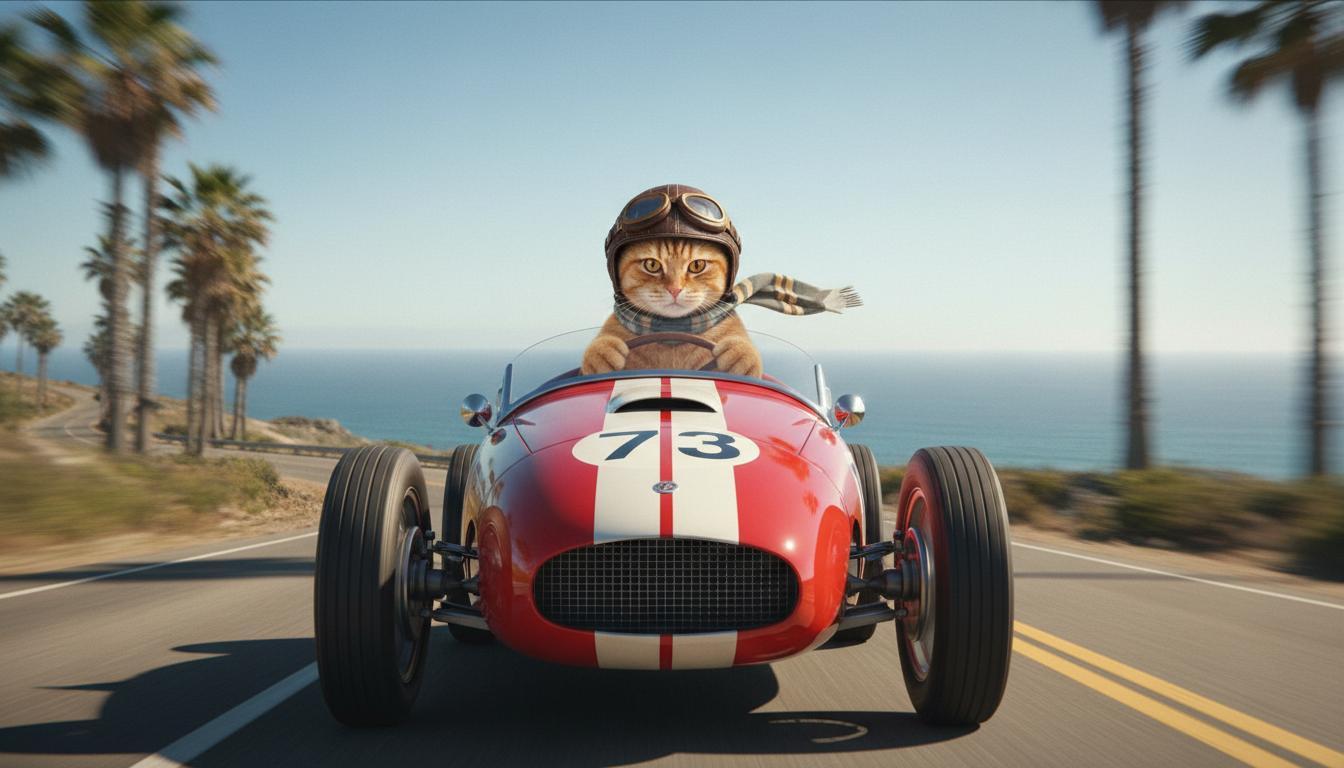 |1954| **Last image (Generated by Nano Banana)** Show what happens when the car takes off from a cliff. | 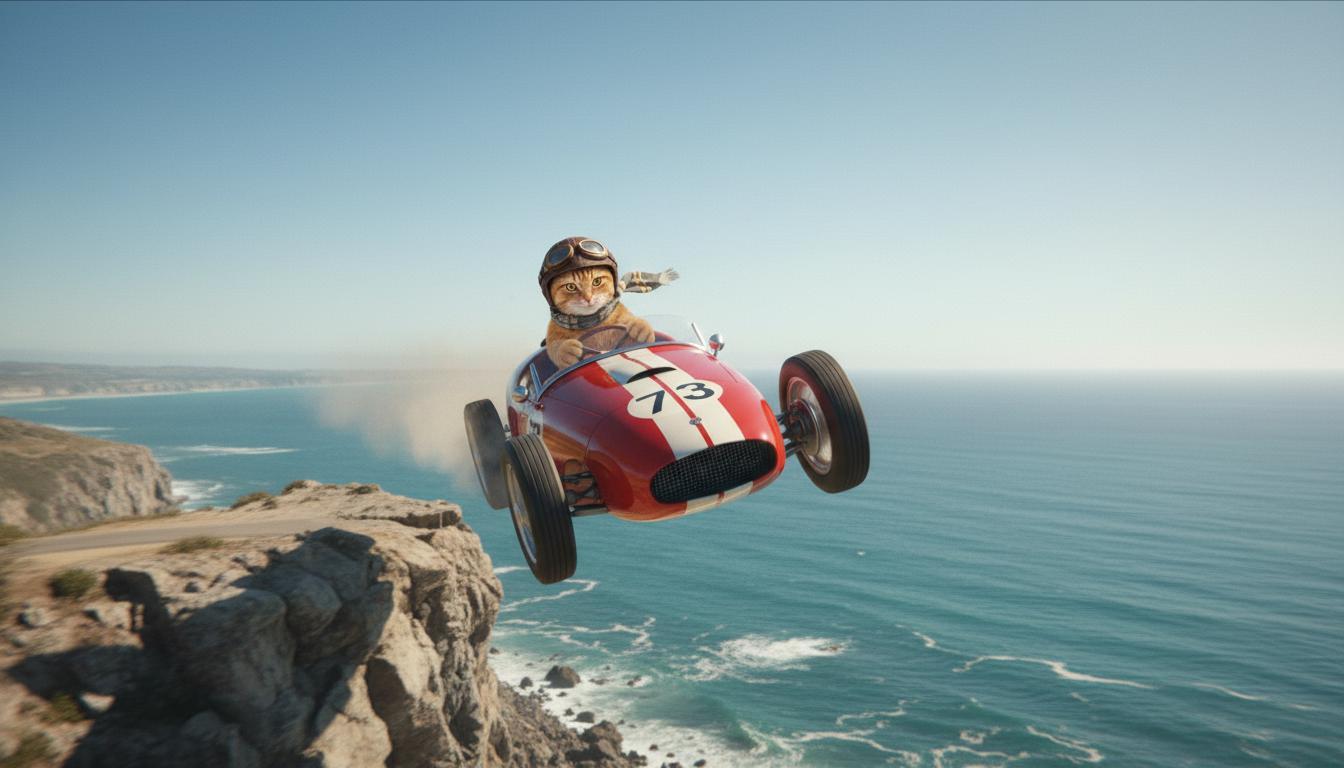 |1955| **Output Video (Generated by Veo 3.1)** Optional |  |19561957This feature gives you precise control over your shot's composition by letting1958you define the starting and ending frame. Upload an image or use a frame from a1959previous video generation to make sure your scene begins and concludes exactly1960as you envision it.19611962### Prompting for extension19631964To [extend](https://ai.google.dev/gemini-api/docs/veo#extending_veo_videos) your Veo-generated1965video with Veo 3.1 (not available for Veo 3.1 Lite), use the video as an input1966along with an optional text prompt. Extend finalizes the final second or 241967frames of your video and continues the action.19681969Note that voice is not able to be effectively extended if it's not present in1970the last 1 second of video.19711972| **Prompt** | **Generated output** |1973|---|---|1974| **Input video (Generated by Veo 3.1)** The paraglider takes off from the top of the mountain and starts gliding down the mountains overlooking the flower covered valleys below. |  |1975| **Output Video (Generated by Veo 3.1)** Extend this video with the paraglider slowly descending. |  |19761977### Example prompts and output19781979This section presents several prompts, highlighting how descriptive details can1980elevate the outcome of each video.19811982#### Icicles19831984This video demonstrates how you can use the elements of1985[prompt writing basics](https://ai.google.dev/gemini-api/docs/veo#basics) in your prompt.19861987| **Prompt** | **Generated output** |1988|---|---|1989| Close up shot (composition) of melting icicles (subject) on a frozen rock wall (context) with cool blue tones (ambiance), zoomed in (camera motion) maintaining close-up detail of water drips (action). |  |19901991#### Man on the phone19921993These videos demonstrate how you can revise your prompt with increasingly1994specific details to get Veo to refine the output to your liking.19951996| **Prompt** | **Generated output** |1997|---|---|1998| **Less detail** The camera dollies to show a close up of a desperate man in a green trench coat. He's making a call on a rotary-style wall phone with a green neon light. It looks like a movie scene. |  |1999| **More detail** A close-up cinematic shot follows a desperate man in a weathered green trench coat as he dials a rotary phone mounted on a gritty brick wall, bathed in the eerie glow of a green neon sign. The camera dollies in, revealing the tension in his jaw and the desperation etched on his face as he struggles to make the call. The shallow depth of field focuses on his furrowed brow and the black rotary phone, blurring the background into a sea of neon colors and indistinct shadows, creating a sense of urgency and isolation. |  |20002001#### Snow leopard20022003| **Prompt** | **Generated output** |2004|---|---|2005| **Simple prompt:** A cute creature with snow leopard-like fur is walking in winter forest, 3D cartoon style render. |  |2006| **Detailed prompt:** Create a short 3D animated scene in a joyful cartoon style. A cute creature with snow leopard-like fur, large expressive eyes, and a friendly, rounded form happily prances through a whimsical winter forest. The scene should feature rounded, snow-covered trees, gentle falling snowflakes, and warm sunlight filtering through the branches. The creature's bouncy movements and wide smile should convey pure delight. Aim for an upbeat, heartwarming tone with bright, cheerful colors and playful animation. |  |20072008### Examples by writing elements20092010These examples show you how to refine your prompts by each basic element.20112012#### Subject and context20132014Specify the main focus (subject) and the background or environment (context).20152016| **Prompt** | **Generated output** |2017|---|---|2018| An architectural rendering of a white concrete apartment building with flowing organic shapes, seamlessly blending with lush greenery and futuristic elements |  |2019| A satellite floating through outer space with the moon and some stars in the background. |  |20202021#### Action20222023Specify what the subject is doing (e.g., walking, running, or turning their2024head).20252026| **Prompt** | **Generated output** |2027|---|---|2028| A wide shot of a woman walking along the beach, looking content and relaxed towards the horizon at sunset. |  |20292030#### Style20312032Add keywords to steer the generation toward a specific aesthetic (e.g., surreal,2033vintage, futuristic, film noir).20342035| **Prompt** | **Generated output** |2036|---|---|2037| Film noir style, man and woman walk on the street, mystery, cinematic, black and white. |  |20382039#### Camera motion and composition20402041Specify how the camera moves (POV shot, aerial view, tracking drone view) and2042how the shot is framed (wide shot, close-up, low angle).20432044| **Prompt** | **Generated output** |2045|---|---|2046| A POV shot from a vintage car driving in the rain, Canada at night, cinematic. |  |2047| Extreme close-up of a an eye with city reflected in it. |  |20482049#### Ambiance20502051Color palettes and lighting influence the mood. Try terms like "muted orange2052warm tones," "natural light," "sunrise," or "cool blue tones."20532054| **Prompt** | **Generated output** |2055|---|---|2056| A close-up of a girl holding adorable golden retriever puppy in the park, sunlight. | 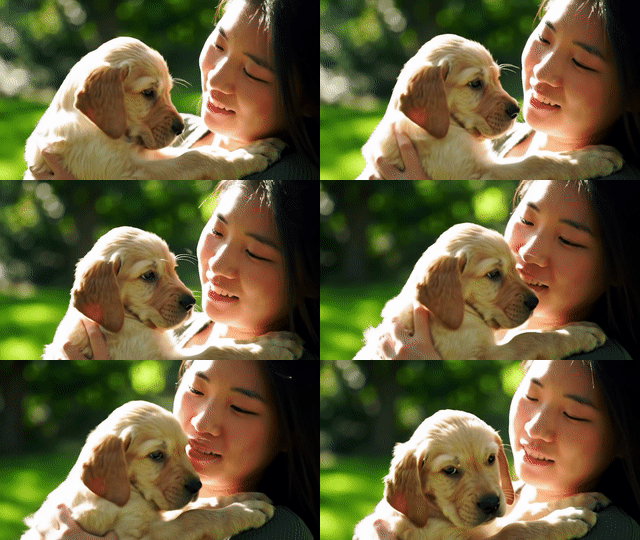 |2057| Cinematic close-up shot of a sad woman riding a bus in the rain, cool blue tones, sad mood. |  |20582059### Aspect ratios20602061Veo lets you specify the aspect ratio for your video.20622063| **Prompt** | **Generated output** |2064|---|---|2065| **Widescreen (16:9)** Create a video with a tracking drone view of a man driving a red convertible car in Palm Springs, 1970s, warm sunlight, long shadows. | 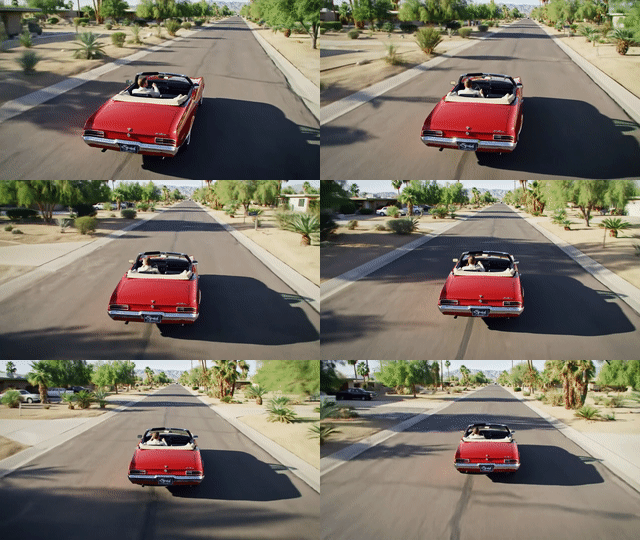 |2066| **Portrait (9:16)** Create a video highlighting the smooth motion of a majestic Hawaiian waterfall within a lush rainforest. Focus on realistic water flow, detailed foliage, and natural lighting to convey tranquility. Capture the rushing water, misty atmosphere, and dappled sunlight filtering through the dense canopy. Use smooth, cinematic camera movements to showcase the waterfall and its surroundings. Aim for a peaceful, realistic tone, transporting the viewer to the serene beauty of the Hawaiian rainforest. | 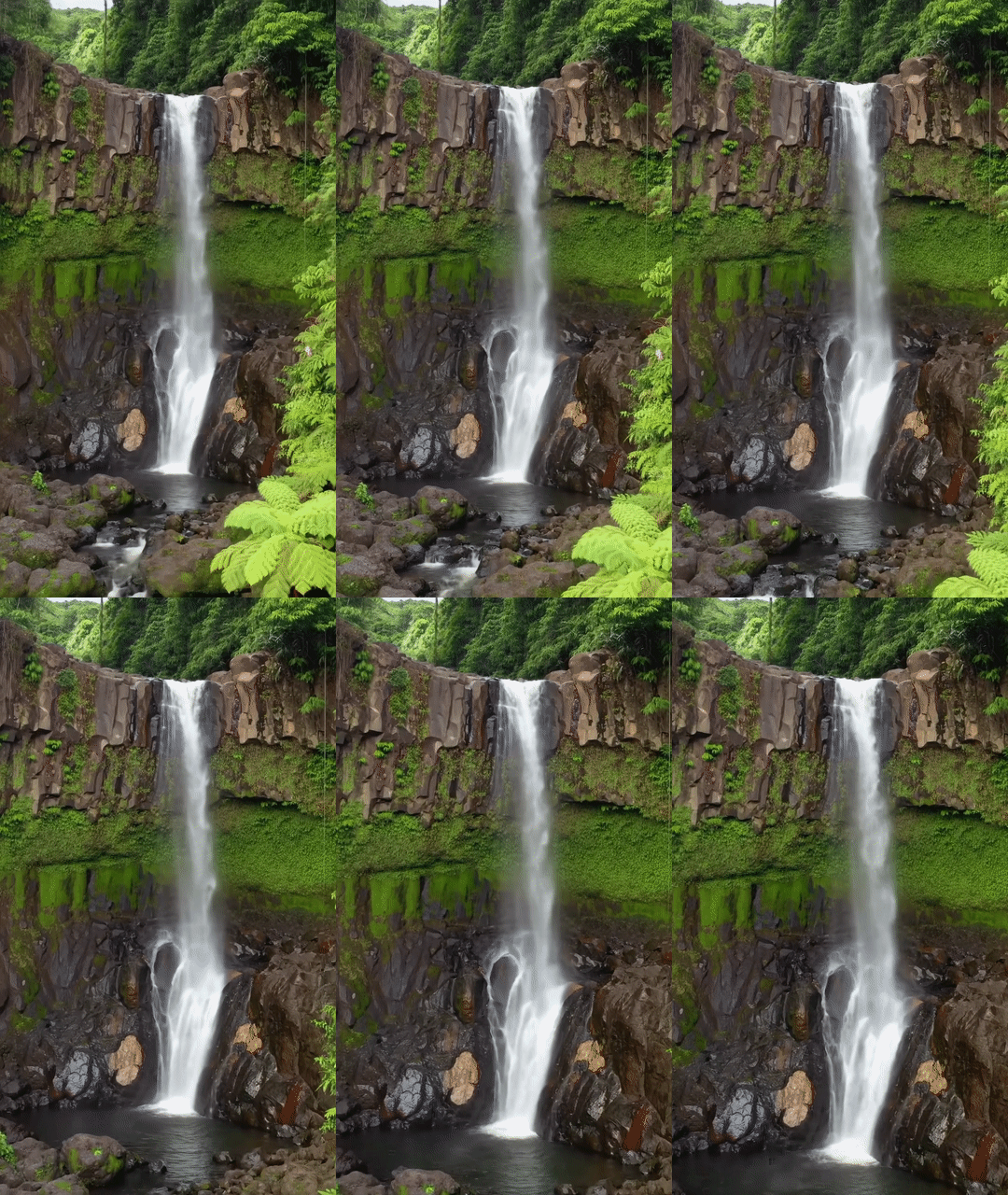 |20672068## Model versions20692070Check out the [Pricing](https://ai.google.dev/gemini-api/docs/pricing#veo-3.1) page and [Rate limits](https://aistudio.google.com/rate-limit) for more Veo model-specific usage2071details.20722073### Veo 3.1 Preview20742075| Property | Description |2076|---|---|2077| Model code | **Gemini API** `veo-3.1-generate-preview` |2078| Supported data types | **Input** Text, Image **Output** Video with audio |2079| Limits | **Text input** 1,024 tokens **Output video** 1 |2080| Latest update | January 2026 |20812082### Veo 3.1 Fast Preview20832084| Property | Description |2085|---|---|2086| Model code | **Gemini API** `veo-3.1-fast-generate-preview` |2087| Supported data types | **Input** Text, Image **Output** Video with audio |2088| Limits | **Text input** 1,024 tokens **Output video** 1 |2089| Latest update | January 2026 |20902091### Veo 3.1 Lite Preview20922093| Property | Description |2094|---|---|2095| Model code | **Gemini API** `veo-3.1-lite-generate-preview` |2096| Supported data types | **Input** Text, image **Output** Video with audio |2097| Limits | **Text input** 1,024 tokens **Output video** 1 |2098| Latest update | March 2026 |20992100### Veo 3 (Deprecated)21012102| Property | Description |2103|---|---|2104| Model code | **Gemini API** `veo-3.0-generate-001` |2105| Supported data types | **Input** Text, Image **Output** Video with audio |2106| Limits | **Text input** 1,024 tokens **Output video** 1 |2107| Latest update | July 2025 |21082109### Veo 3 Fast (Deprecated)21102111| Property | Description |2112|---|---|2113| Model code | **Gemini API** `veo-3.0-fast-generate-001` |2114| Supported data types | **Input** Text, Image **Output** Video with audio |2115| Limits | **Text input** 1,024 tokens **Output video** 1 |2116| Latest update | July 2025 |21172118Veo Fast versions allow developers to create videos with sound while maintaining2119high quality and optimizing for speed and business use cases. They're ideal for2120backend services that programmatically generate ads, tools for rapid A/B testing2121of creative concepts, or apps that need to quickly produce social media content.21222123## What's next21242125- Get started with the Veo 3.1 API by experimenting in the [Veo Quickstart Colab](https://colab.research.google.com/github/google-gemini/cookbook/blob/main/quickstarts/Get_started_Veo.ipynb) and the [Veo 3.1 applet](https://aistudio.google.com/apps/bundled/veo_studio).2126- Learn how to write even better prompts with our [Introduction to prompt design](https://ai.google.dev/gemini-api/docs/prompting-intro).